Create Album and Spotify Covers from your music with Album Cover in Kaiber Canvas
Create stunning covers from text and audio or image references with Album Cover.
Written By Kaiber Support
Last updated 4 months ago
Overview
Got a track? Album Cover uses your inputs (text, images, or audio) to create 1:1 and 9:16 album art and Spotify canvases. Just fill in a few details and it does the rest.
When you upload a track, the tool analyzes its style, mood, and subject, then weaves them into every element of your design, so your album artwork matches the feel of your music.
How It Works
Open Kaiber Canvas
Add a Create Image Flow and select Album Cover
Choose your creative mode (image reference, text reference or audio reference)
Choose the quality (low for fast renders, high for detailed renders)
Select the aspect ratio of the cover
Fill in your details
Hit Generate
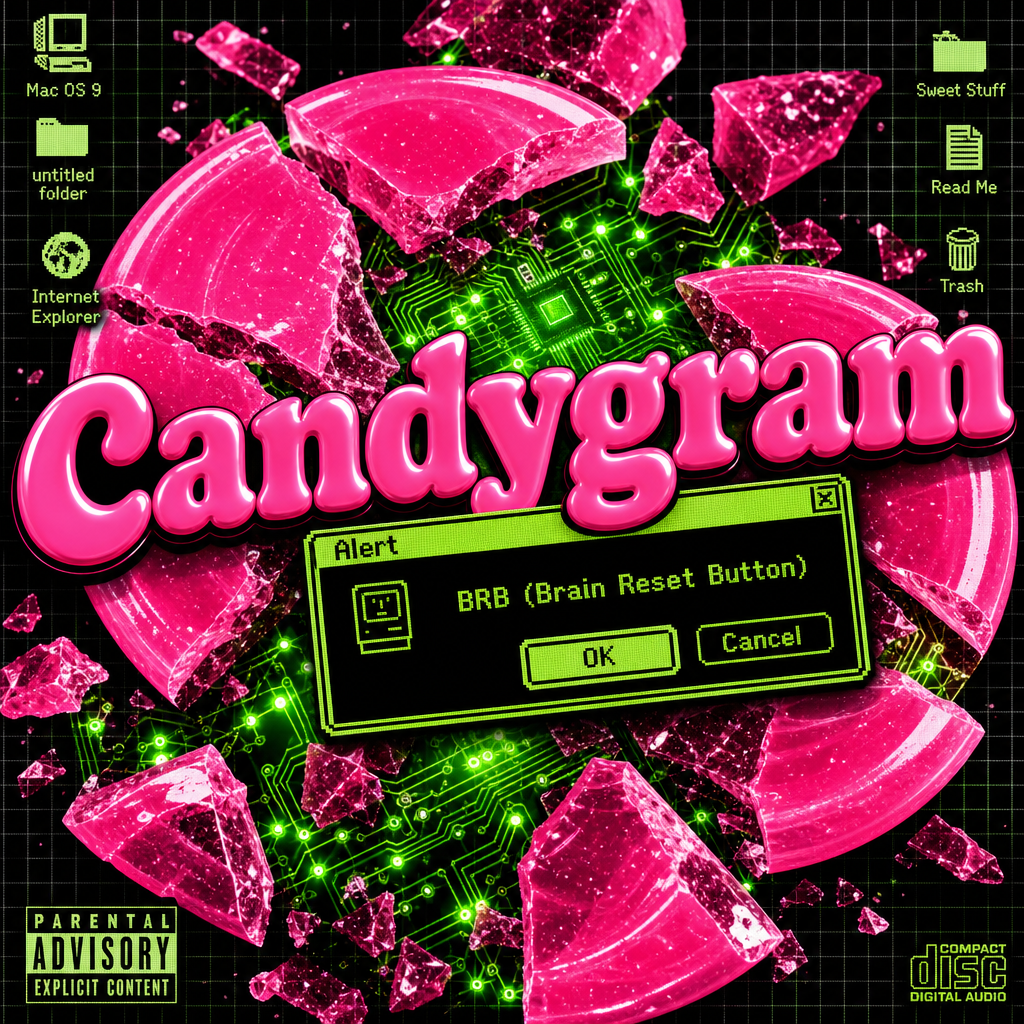 | 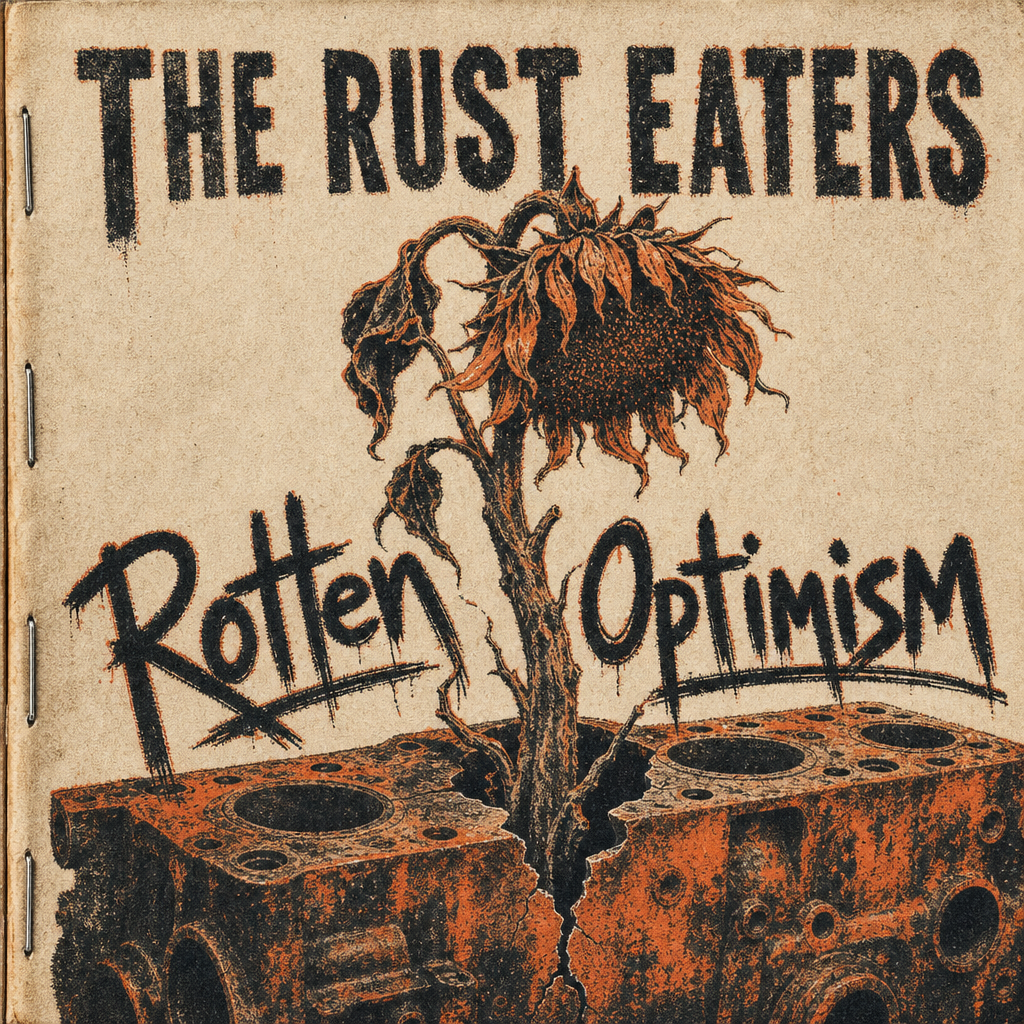 |
Choosing Your Mode
In Advanced Features, choose one of three modes:
The Input Fields
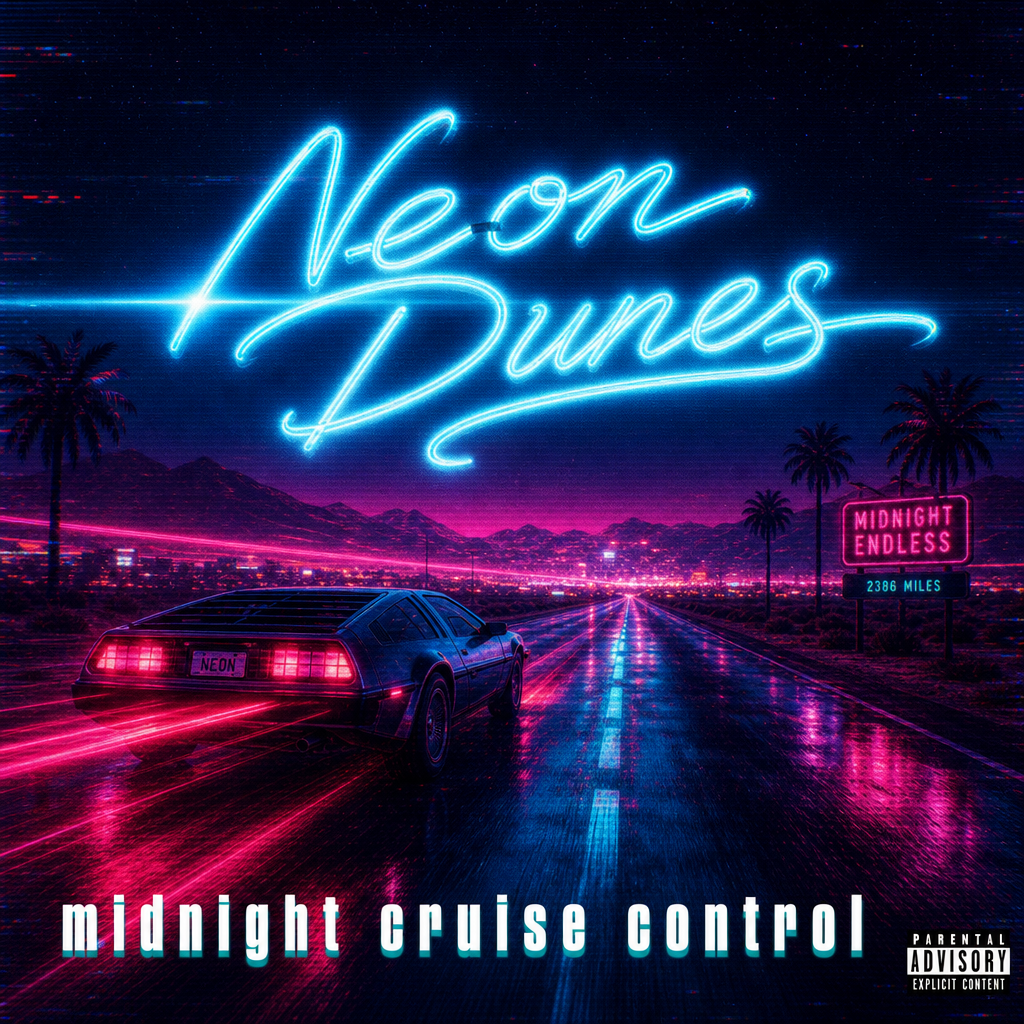 | 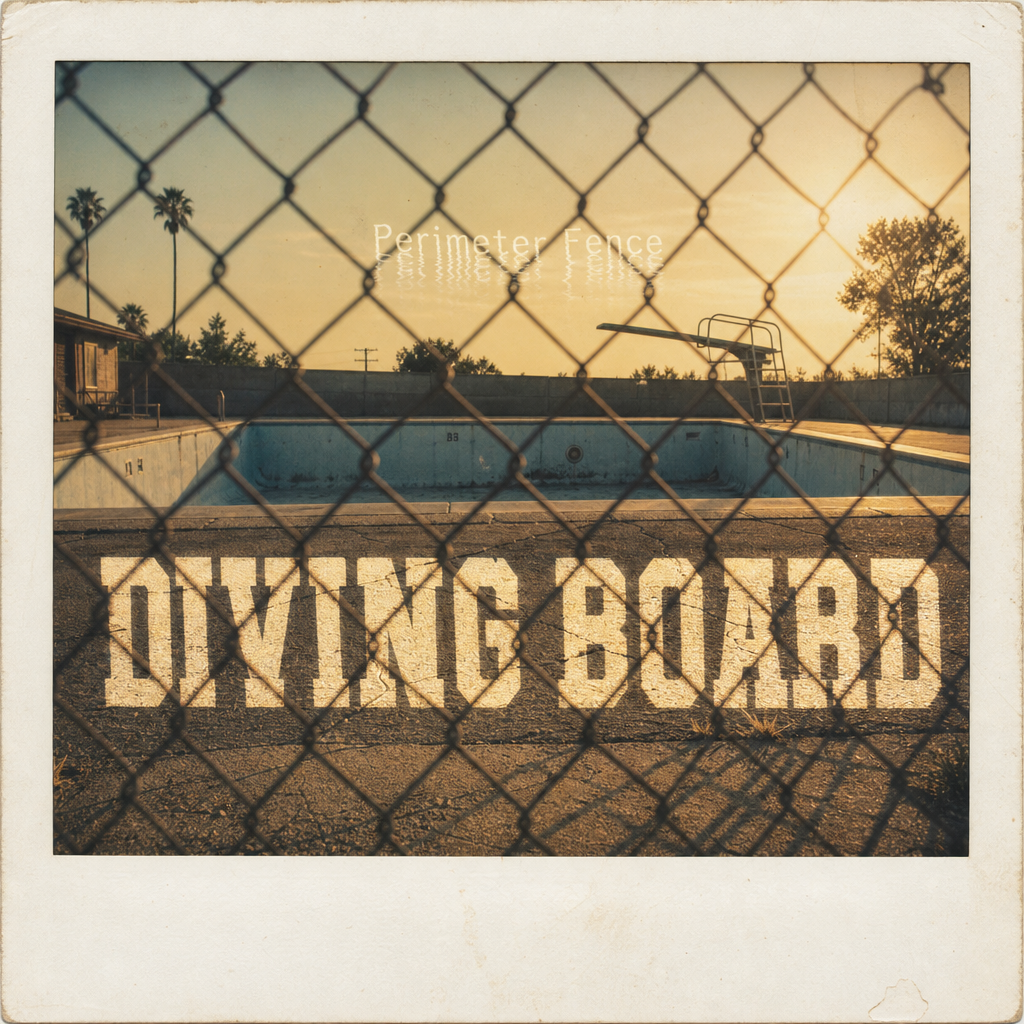 |
Prompt Anatomy: What Goes Where
Two separate ideas that often get mashed together:
DESCRIPTION = what you SEE (people, objects, scene, setting)
STYLE = how it LOOKS (style, colors, mood, texture, lighting)
Keep them separate for the best results.
Text Reference
Image Reference
Pro tip: When you upload an image, include how to use it in your subject description — as the main subject, as a texture or background, or as a style reference to match.
Audio Reference
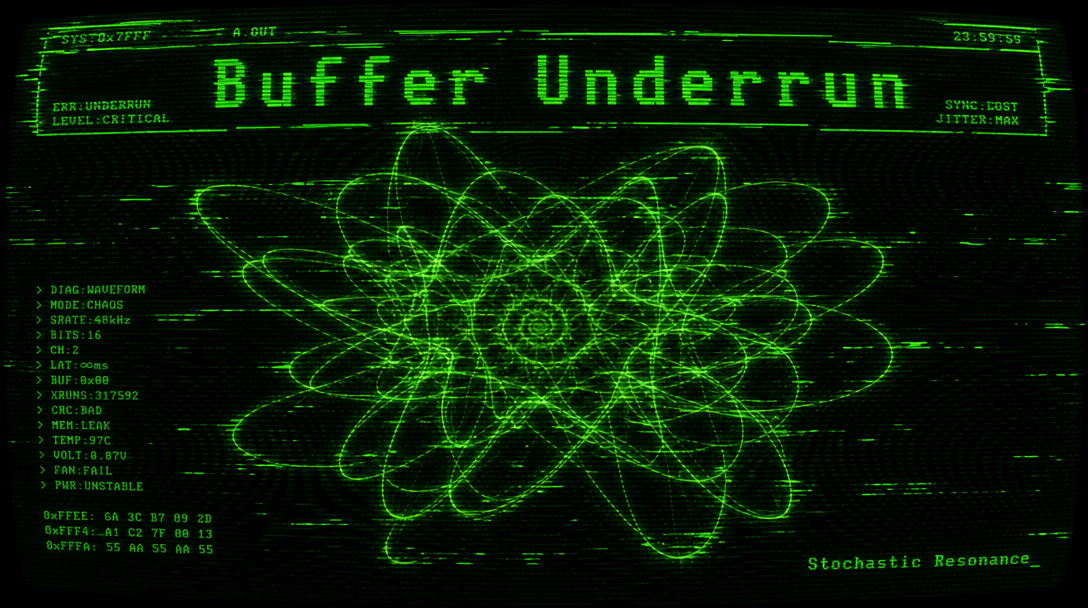
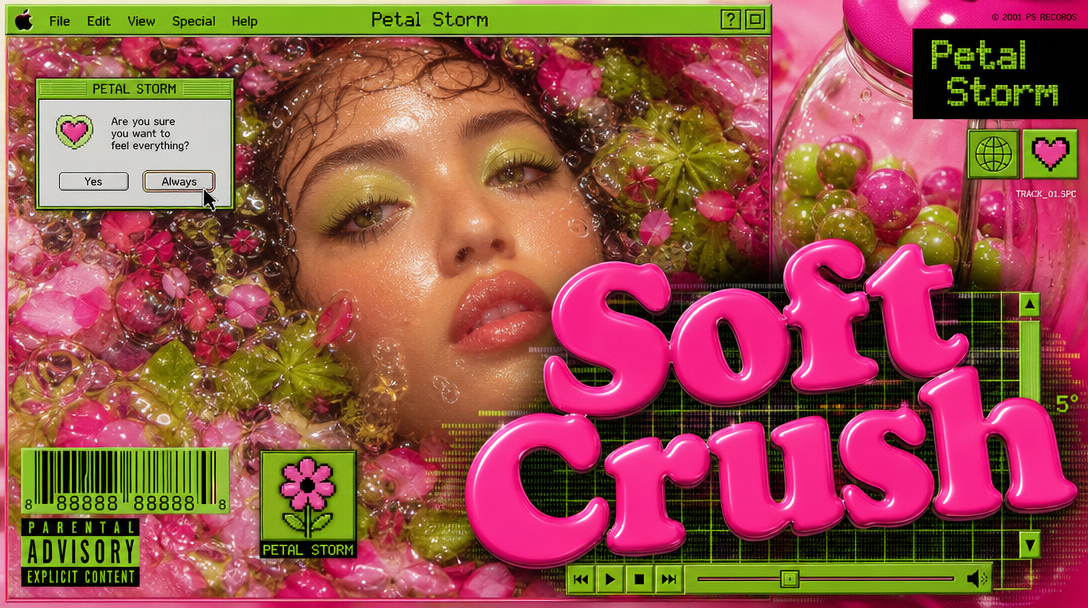
How it works: Drop in a track. The tool listens to the genre, tempo, and emotional tone, then pulls those cues into the color palette, lighting, and overall feel of the cover.
 |  |
Start Simple: Examples at Three Levels
Level 1: One Sentence
Description: A girl with headphones walking through a city at night
Style: Lo-fi, warm neon, slightly grainy
Level 2: Two or Three Details
Description: A wilted flower growing through a crack in rusted metal. Close up, rough texture, a single petal falling.
Style: Gritty, messy, dark colors with one bright pop of yellow.
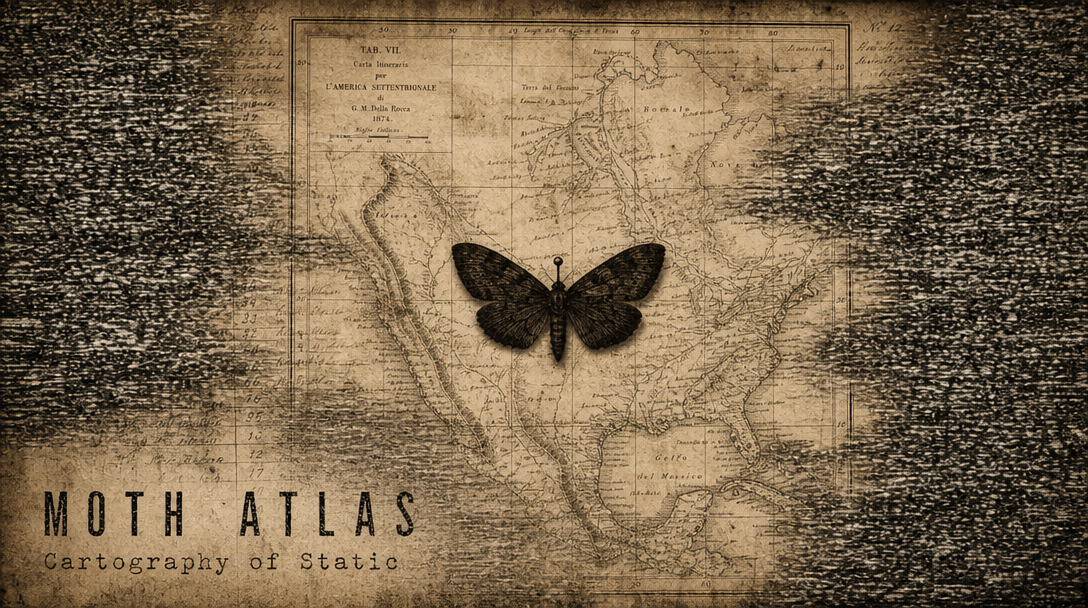
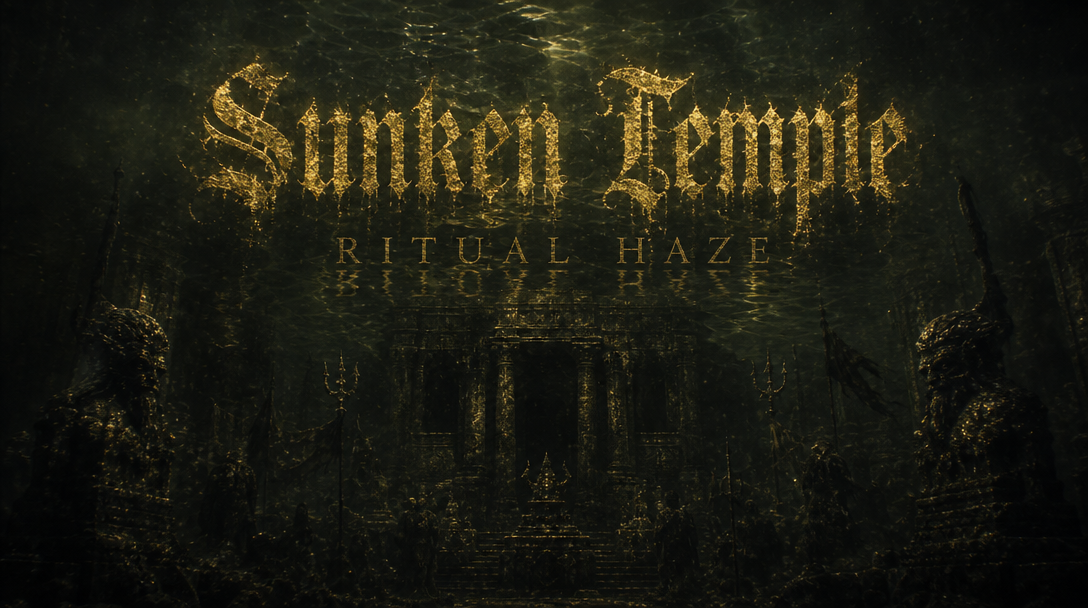
Level 3: Full Scene
Description: An empty subway platform at 3 AM. Wet tile floor reflects warm tungsten light. The third rail is exposed in the foreground, arcing blue.
Style: High contrast, cold blues and warm tungsten. Wet reflective surfaces. Lonely cinematic noir mood.
 |  |
Quick Reference Card
DESCRIPTION = what you SEE (subjects, objects, scene, setting)
STYLE = how it LOOKS (colors, mood, texture, lighting, genre)TEXT MODE: You describe everything in words.
IMAGE MODE: You upload a pic and say how to use it.
AUDIO MODE: You upload a track and the tool adapts the mood.
Was this helpful?
Still need help? Ask the team