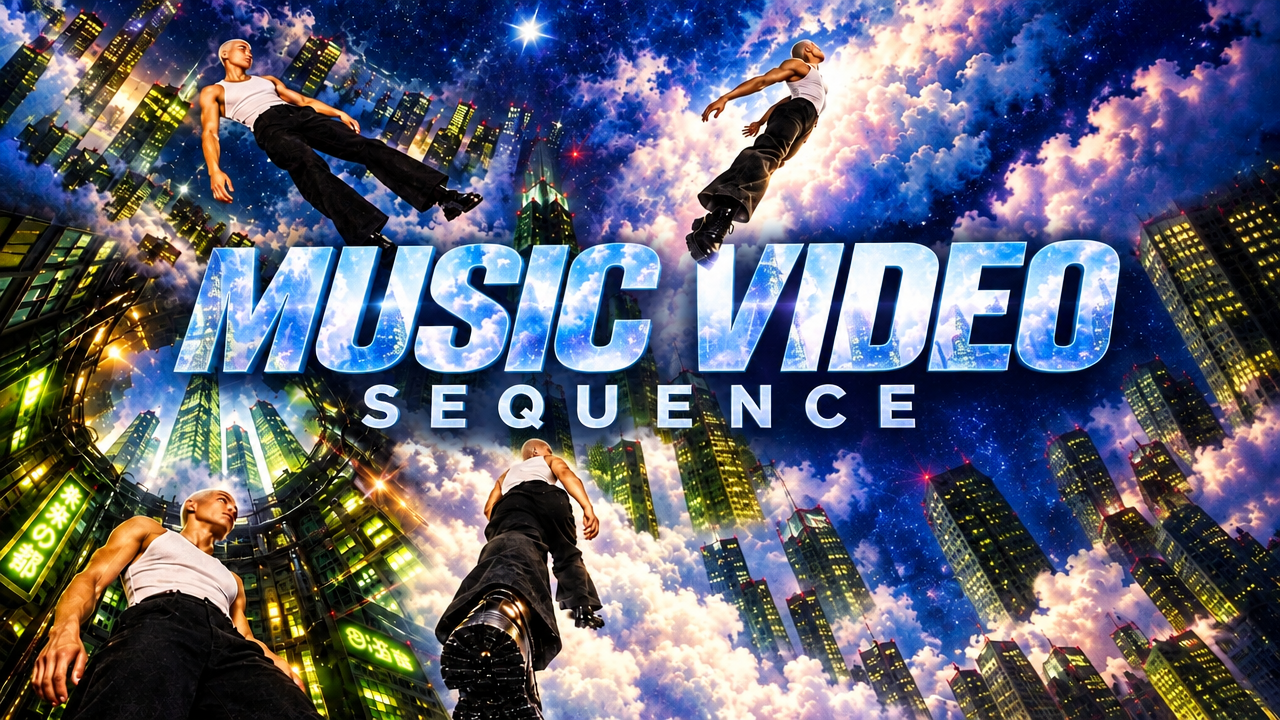
Music Video Sequence creates music videos with unique moments and settings. It analyzes the structure and content of your sound to map the visuals to your song.
Access: Open Music Video Sequence in the Dashboard Workflows.
Modes: choose Generate to create from audio and description alone, Reference to guide each clip with a reference image, or Restyle to restyle your image using your aesthetic prompt and sound.
Length and quality: generate videos from 30 seconds up to 4 minutes, with a choice of aspect ratios and resolutions, with Refined or Fast quality.
Description: describe your subject, action, setting and aesthetic. Or create without a prompt and let the sound control the video.
Example prompt:
Subject: “A woman with close-cropped silver hair in a weathered leather jacket, walking through rain-slicked city streets at night, standing on a rooftop at dawn with the wind pulling at her jacket, catching a train in a crowded subway station.”
Aesthetic: Neo-noir R&B visual. Teal-and-amber grade, anamorphic bloom, 35mm grain.
Read the guide → Music Video Sequence: Create music videos shaped by your sound