How to Create Images in Kaiber
This guide covers how to create images in Kaiber, working from text prompts or from existing media.
Written By Kaiber Support
Last updated 22 days ago
Generate images with full control and your choice of models in Canvas, or use an intelligent workflow on desktop or mobile for tasks like combining images, generating image variations, swapping a background or building a thumbnail.
Generate images in Canvas
Canvas is desktop only. Here's how to generate an image from scratch:
Open Canvas
Select Create Image from the toolbar on the left.
Select how you want to create your image. This will add a Create Image Flow to your canvas.
Choose a model from the model menu. Scroll through the options to see what's available.
Open Advanced Settings and set your aspect ratio. Some models offer a choice of resolution or model version.
Add your prompt in the subject box. This describes what you want to see in the image.
Add reference media.
Click Generate.
Generate images with a workflow
Kaiber has a range of intelligent workflows built for specific image tasks. These work on both desktop and mobile.
To generate images with a workflow:
Select your workflow, then upload your references and your prompt or description.
Check the settings for anything you might want to change, like model, aspect ratio, resolution, or mode.
Click Generate.
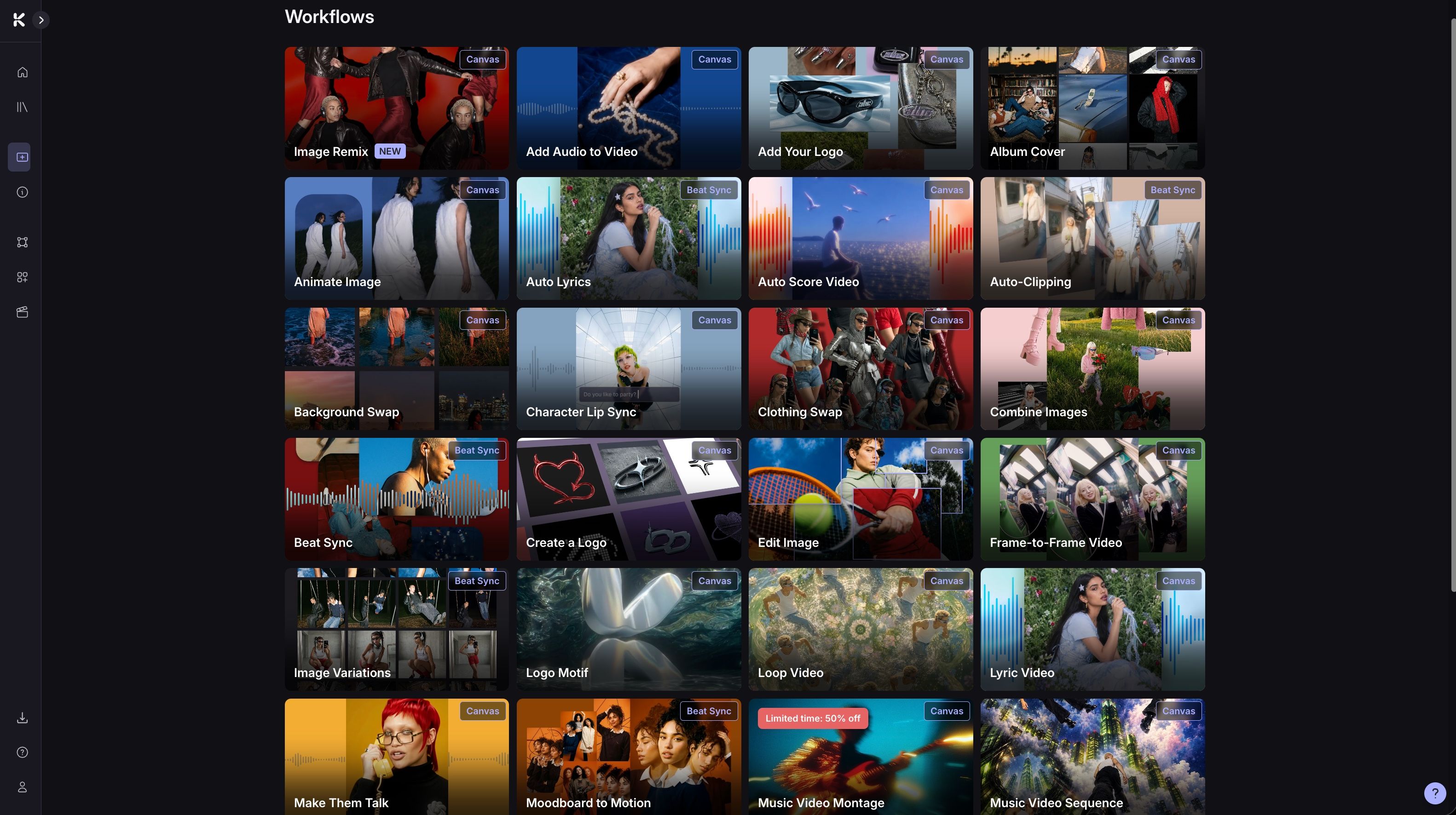
You can see the full range of workflows on your dashboard including:
Thumbnail Generator: create a thumbnail for your socials from a description and an optional reference image. Read the guide.
Edit Image: edit any image with a text prompt.
Background Swap: drop your character or object into a new scene with a simple text prompt.
Clothing Swap: swap any outfit onto an image of your model.
Add Your Logo: add your logo to any product. Read the guide.
Album Cover: create Album and Spotify Covers from your Music With Album Cover. Read the guide.
Other Resources
Was this helpful?
Still need help? Ask the team