Kaiber On Mobile Vs Desktop

Need to create on the go? This guide covers what Kaiber features are available on mobile, and what’s still desktop-only so you know where to go for what.

Written By Christine Larsen

Last updated About 12 hours ago


Kaiber is available on your mobile browser with over 20 intelligent workflows so you can edit an image, animate a still, or even knock out a fast music video workflow while you're between takes or waiting on a coffee orde
r.

Access Kaiber on your mobile browser

Open Kaiber on your mobile browser using the same kaiber.ai address you use on desktop. There’s no app to download. It’s the same site and the same account, built to work on a smaller screen.

Media

What you can do on mobile

Media Library
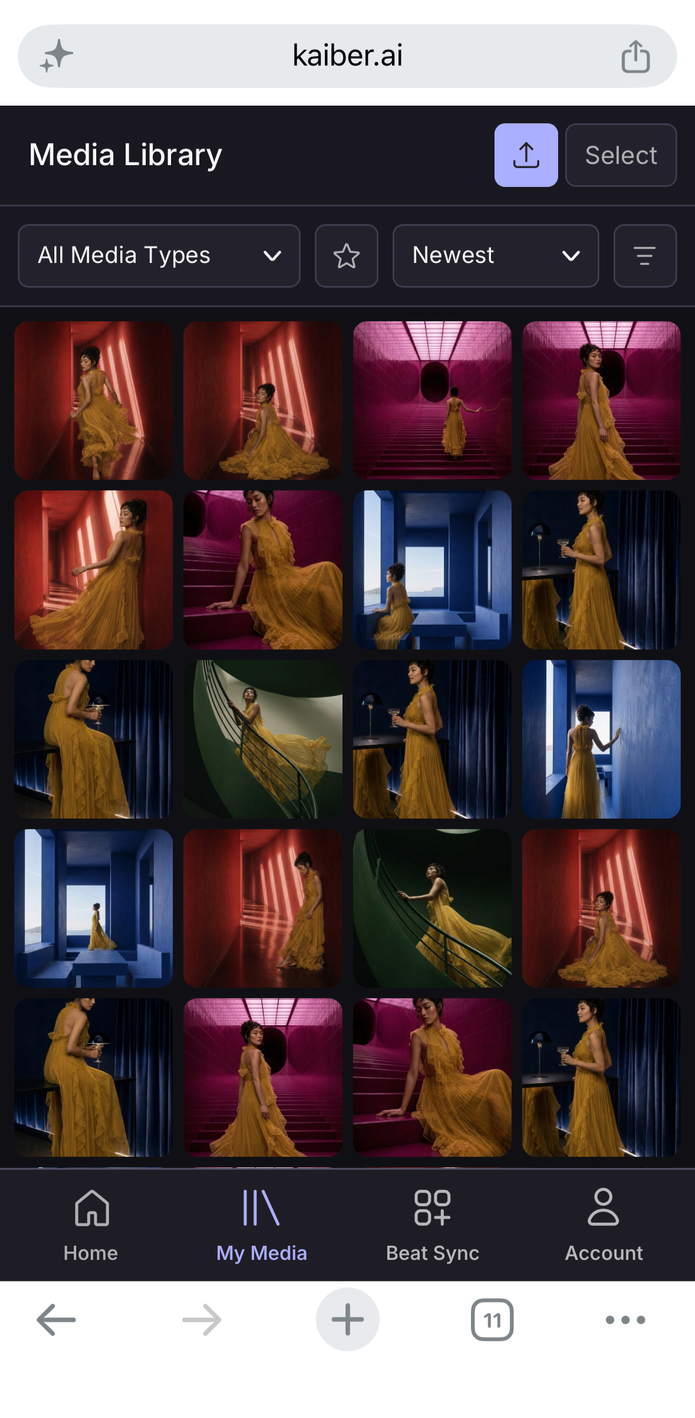
The Media Library works across both mobile and desktop. This means you can access, use and download your generations and uploads however you access the site.
Media
Media

IMAGE TOOLS

VIDEO TOOLS

Edit Image
Edit any image with a text prompt.

Animate Image
Animate an image, optionally using a prompt or end keyframe to guide the output.

Restyle Image
Transform any image with a new visual aesthetic, mood, or feel.

Beat Sync (Instant Cut only)
All your selected images or clips cut to the beat of your sound.

Combine Images
Combine people, characters, objects, or places from multiple images into one.

Music Video Montage
Turn your sound into a multi-clip music video. No editing required.

Background Swap
Drop your character or object into a new scene with a simple text prompt.

Make Them Talk
Create videos with characters that speak.

Create a Logo
Create a logo for your product, business, or socials.

Frame-to-Frame Video
Animate between two images, or the start and end frames of two clips.

Add Your Logo
Add your logo to any product.

Character Lip Sync

Make a character speak or sing with your audio.

Clothing Swap
Swap any outfit onto an image of your model.

Add Audio to Video
Add a synced soundscape to an existing video with a prompt.

Album Cover
Generate an album cover from your audio, a text prompt, or a reference image.

Auto-Score Video
Generate a musical soundtrack synced to your video.

Thumbnail Generator
Create a thumbnail for your socials from a description and optional reference image.

Logo Motif
Restyle, color and animate a logo into a short motion clip.

Outpaint
Expand an image beyond its original borders.

Loop Video
Generate a seamless loop transition from your video. Describe the transition with a text prompt.

Smart Reframe
Reframe an image to a new aspect ratio and size while preserving the original subject.


Using a mobile workflow

Each mobile tool works as its own standalone workflow. 

  1. Click the workflow you want to use.

  2. Add media from your library or upload from your device.

  3. Fill in any prompts and adjust settings.

  4. Click generate. Your output lands straight in your Media Library where you can download or continue working with it.

Media


What desktop adds

You can access the full range of mobile workflows on desktop through the workflow links on your dashboard. Desktop is also home to the full suite of Kaiber features including:

  • More Beat Sync options, including Auto Clip Video, Image Variations and Add Lyrics to Video

  • The full range of standard and premium image, video and audio models in Canvas 

  • Timeline Editor projects